


Grab your API key
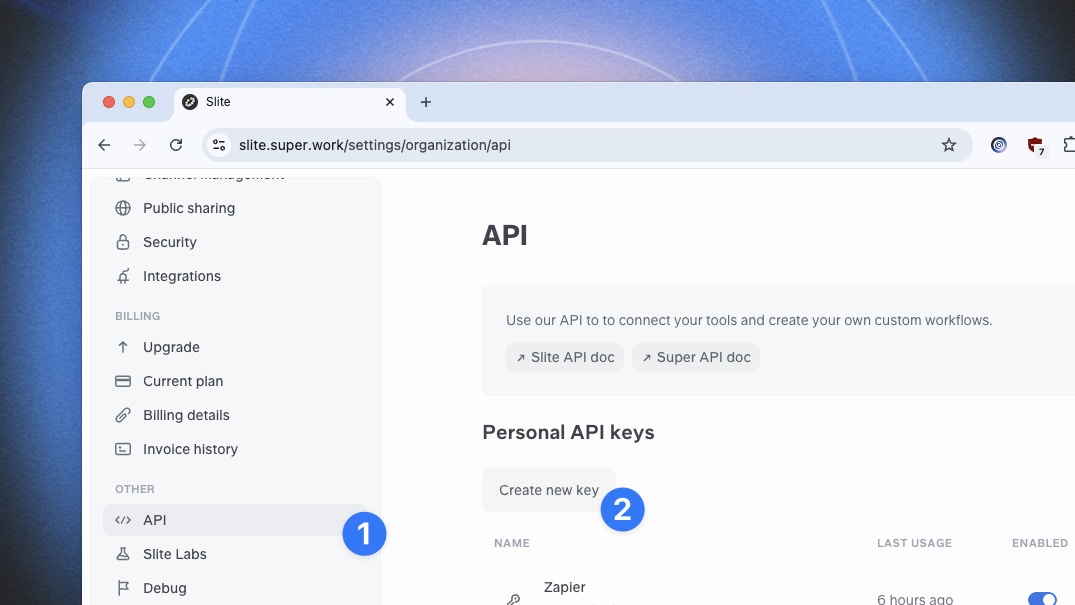
Every call to our public API has to be authenticated with a personal API key, generated in your settings.- Open the menu of your organization, located at the top left of the app
- Click on
SettingsthenAPItab - You can now generate a new key
Make your first request
See our endpoints and use the playground to test your first requests:Ask a question
Ask a question to Super
Index custom content
Add custom content to your Super knowledge base
List custom content
View all your indexed custom content
Delete custom content
Remove content from your Super knowledge base
Trigger Super Digest
Generate and send a digest of your content